Magpie
A downloadable game for Windows
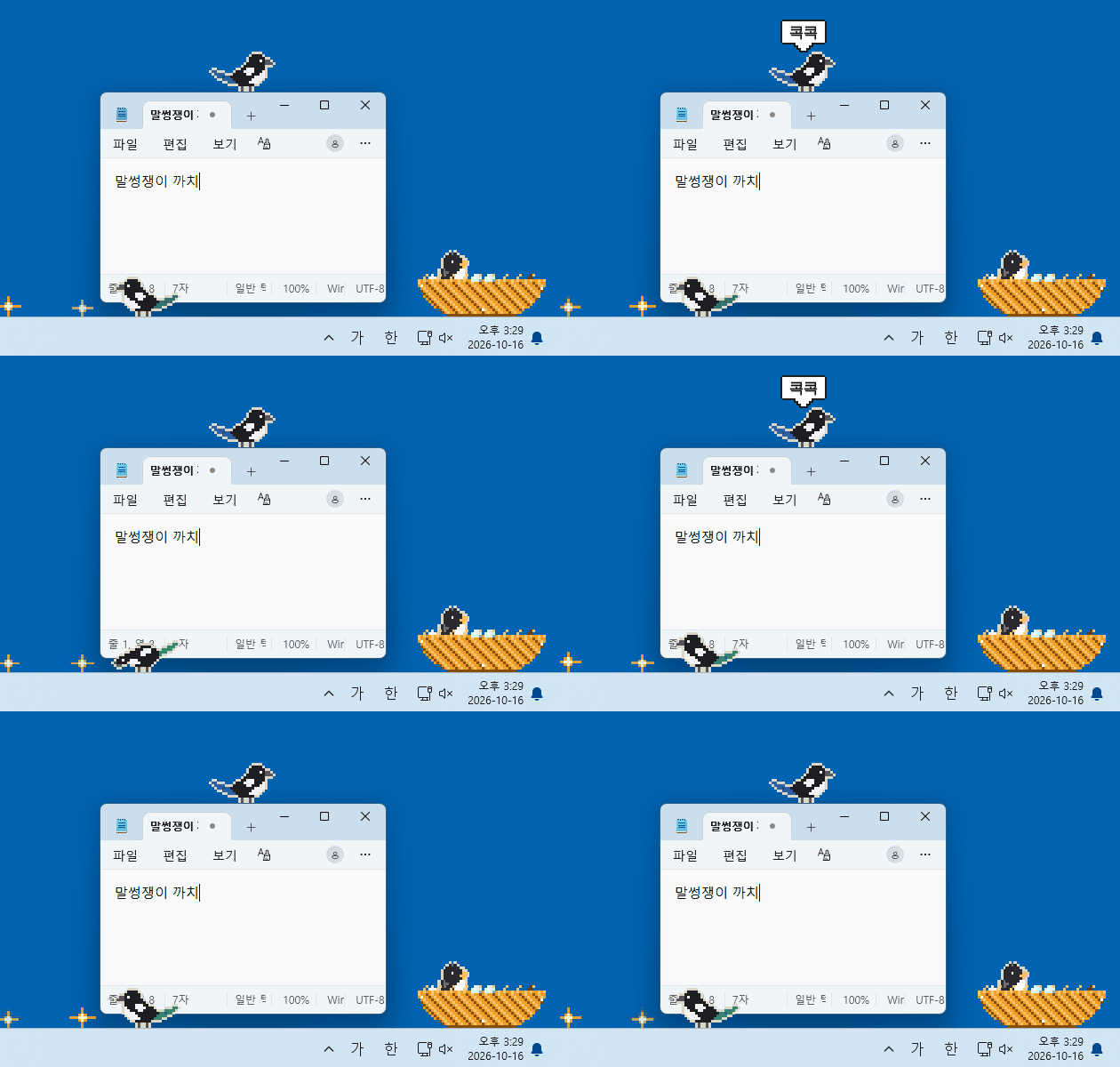 Magpie는 바탕화면에 사는 작은 까치예요.
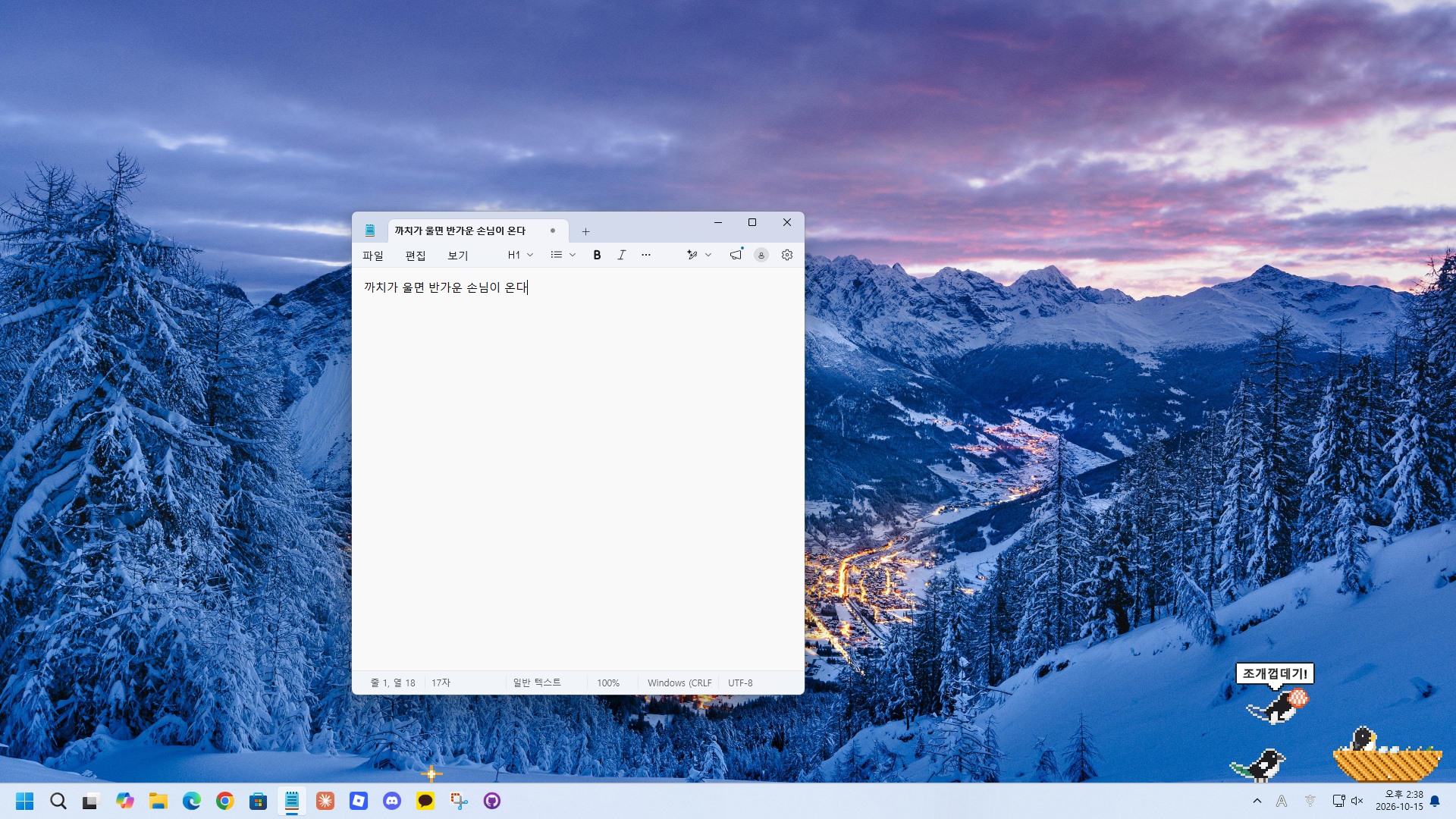
까치는 작업표시줄 위를 콩콩 뛰어다니고, 열어 둔 창 위에 앉아 콕콕 쪼아요. 화면에 반짝이가 생기면 슬쩍 물어다가 둥지에 모으죠. 일하는 동안 띄워 두면, 어느새 둥지가 황금빛으로 자라 있을 거예요.
이런 걸 해요
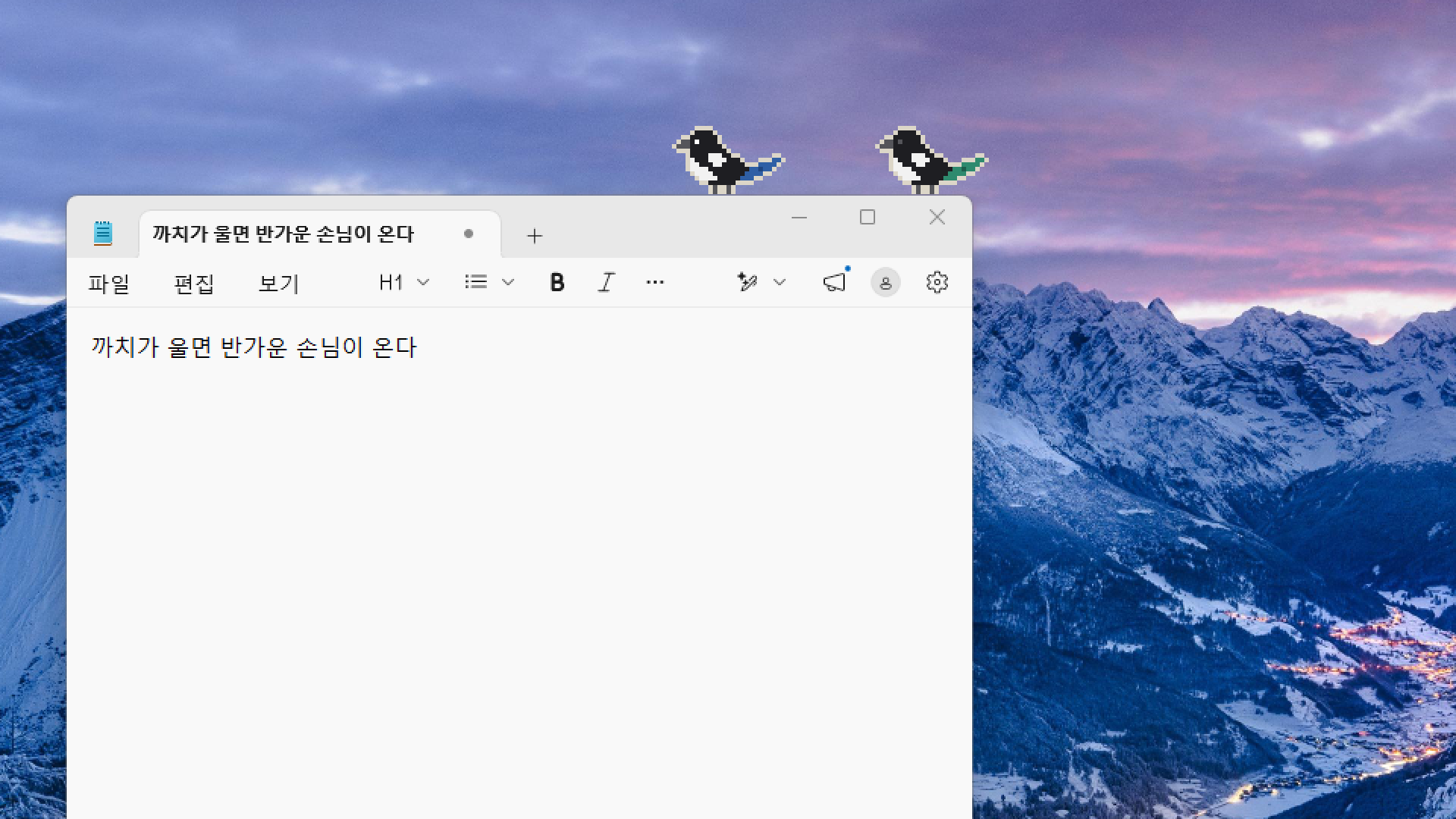
- 창 위에 앉아 쪼기: 까치가 열린 창 위에 앉아 콕콕 쪼면 창이 살짝 흔들려요. (항상 원래 자리로 돌아와요)
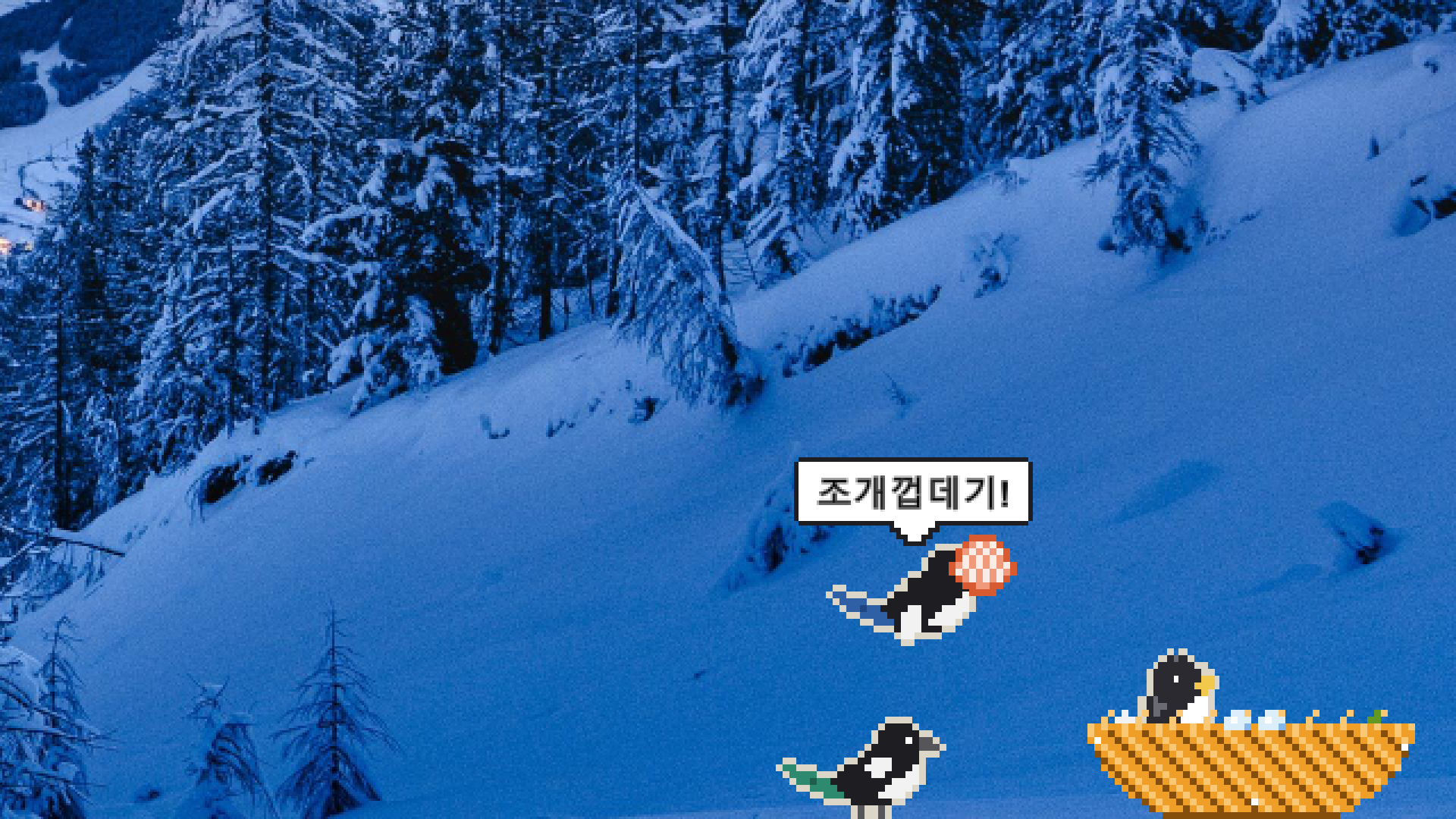
- 반짝이 훔치기: 바탕화면에 어떤 파일이 있느냐에 따라 조개껍데기, 동전, 유리구슬 같은 보물이 나와요.
- 둥지 키우기: 보물이 쌓이면 둥지가 Lv.5 황금 둥지까지 자라요. 짝 까치가 날아오고(Lv.3), 알이 생기고(Lv.4), 새끼가 태어나요(Lv.5).
- 손님 알림: 메신저가 작업표시줄에서 깜빡이면 까치가 그 창으로 날아가 알려줘요.
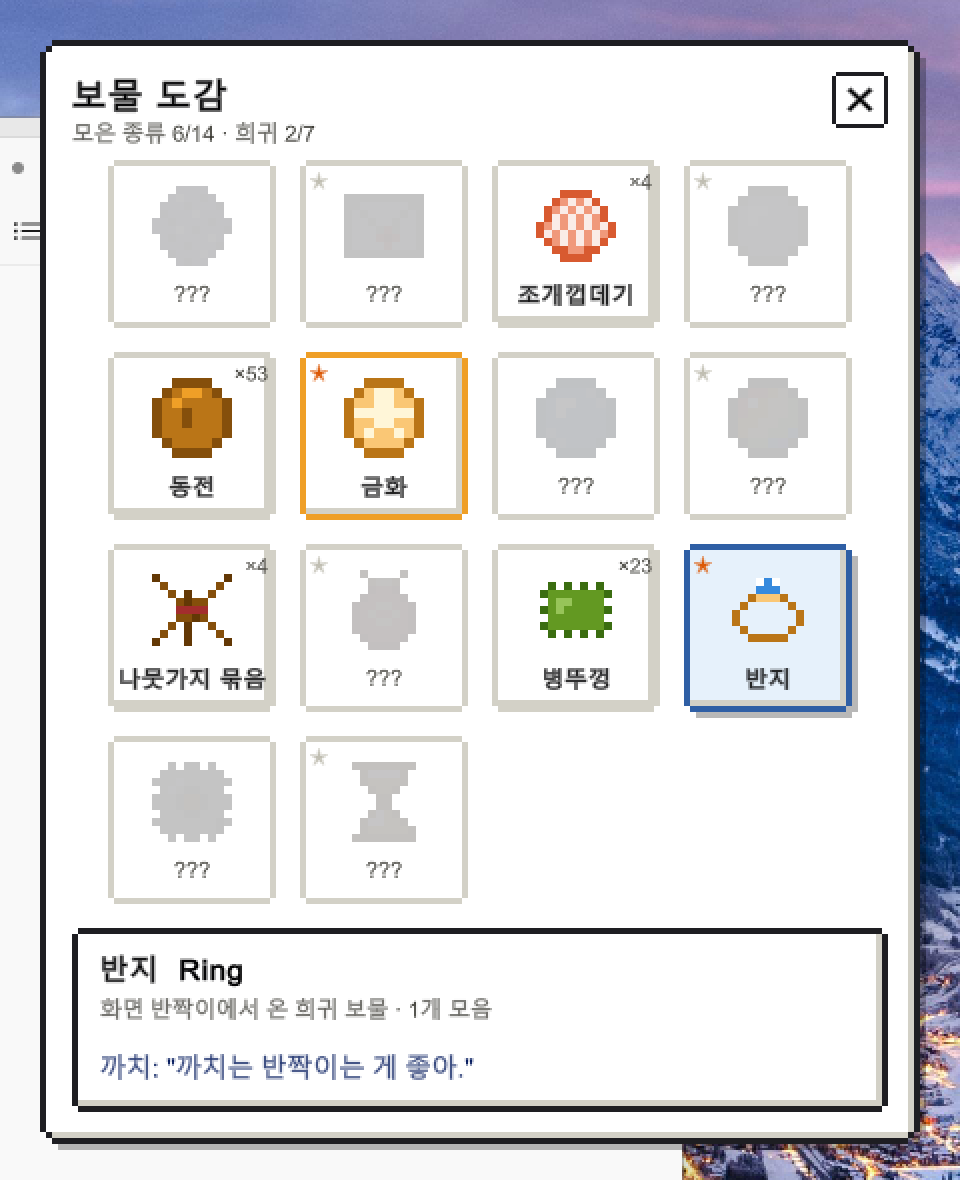
- 보물 도감: 보물 14종을 모아 보세요. 희귀 보물도 있어요.
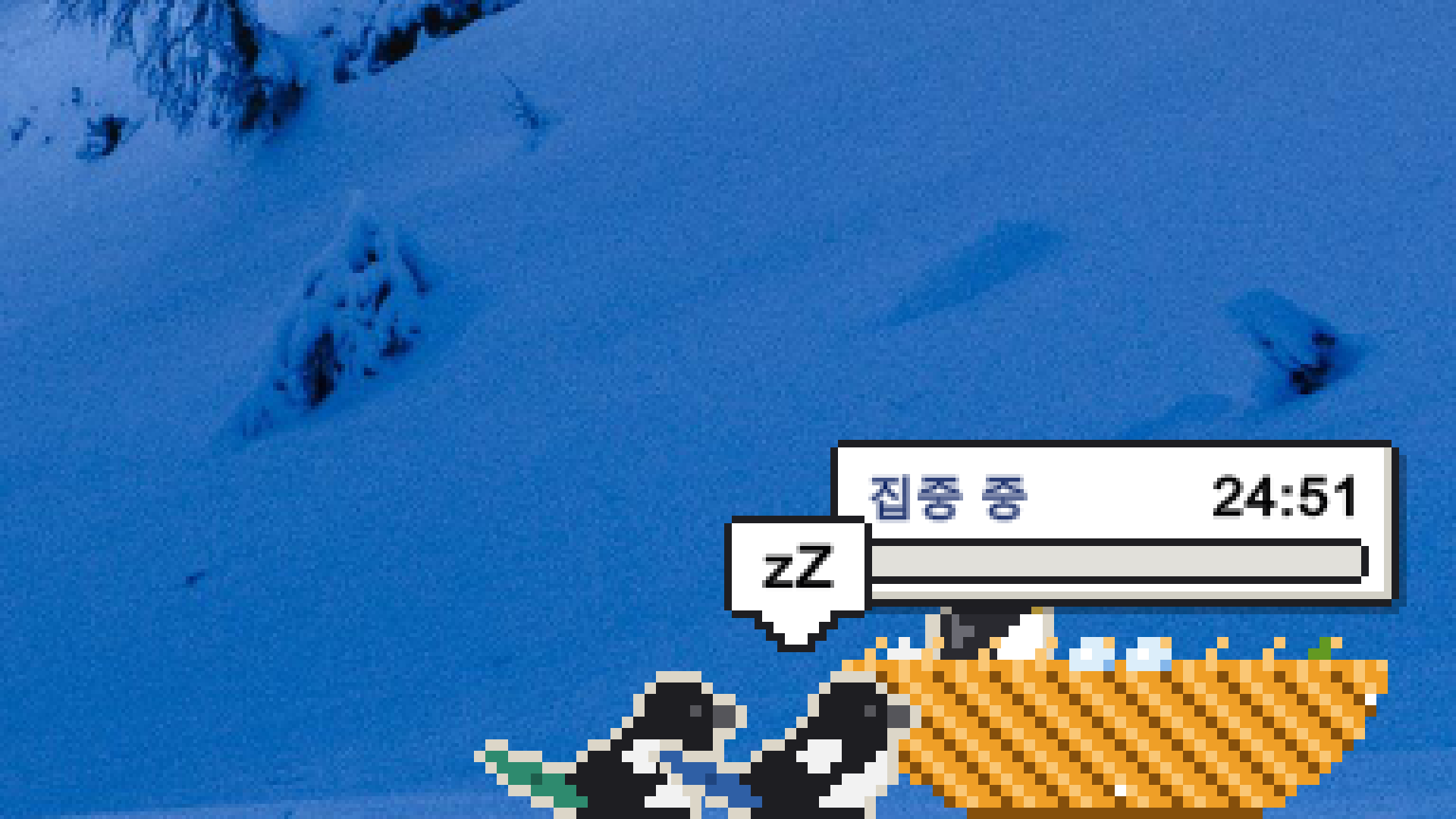
- 집중 타이머: 둥지 메뉴에서 25분 집중을 시작하면 까치가 둥지에서 조용히 기다려요. 집중을 마치면 선물을 줘요.
- 성격 고르기: 얌전 / 보통 / 말썽. 일할 때는 얌전하게, 방송할 때는 말썽꾸러기로.
사용법
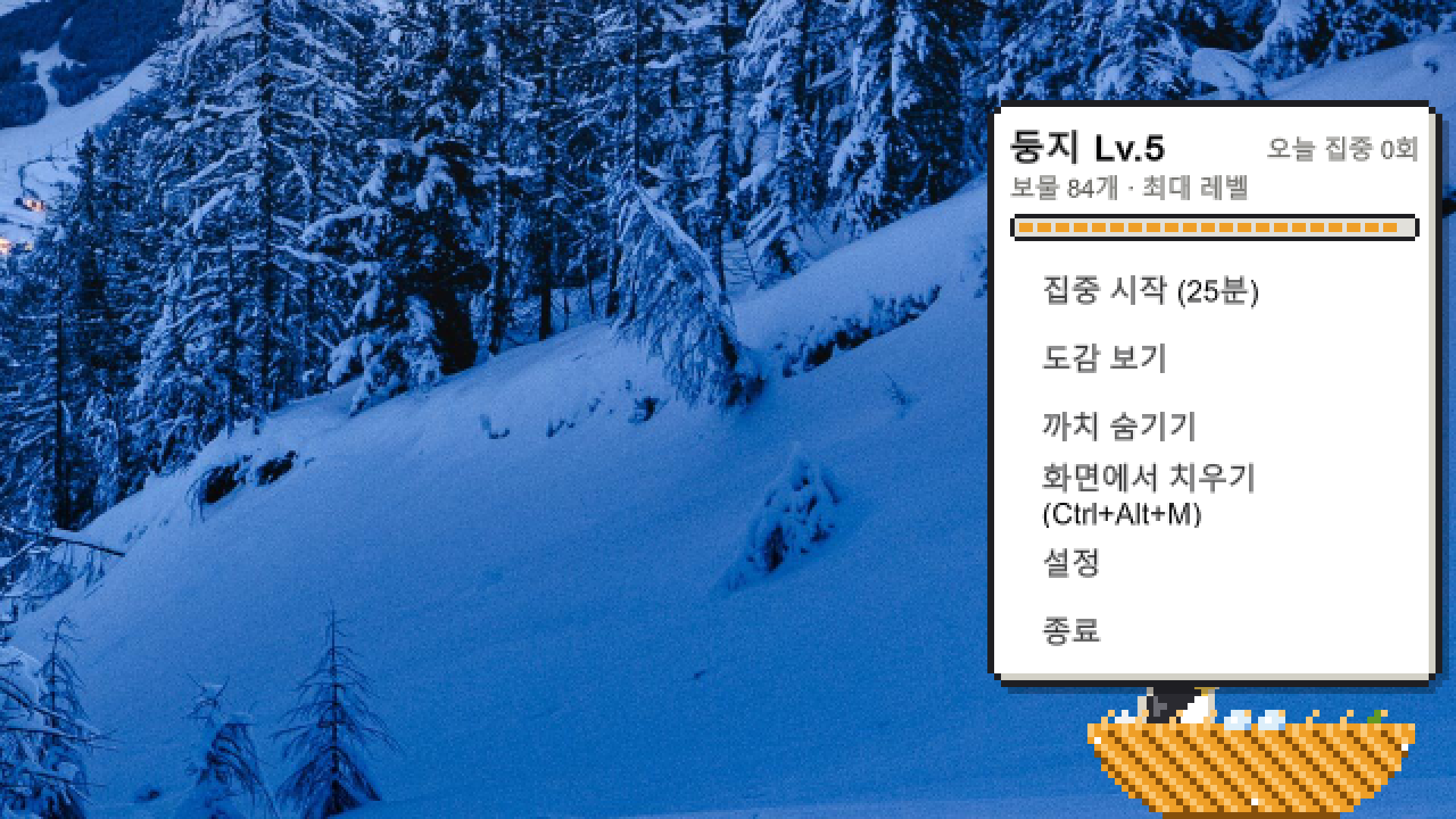
- 둥지를 클릭하면 메뉴가 열려요. 집중 타이머, 도감, 까치 숨기기, 화면에서 치우기, 설정, 종료가 있어요.
- 작업표시줄 오른쪽 ^ 안의 까치 아이콘을 눌러도 같은 메뉴가 열려요.
- 까치를 클릭하면 놀라서 도망가요. 물고 있던 보물도 떨어뜨려요.
- Ctrl+Alt+M: 까치와 둥지를 화면에서 치우기 / 다시 부르기 (화면 공유 전에)
- 게임이나 영상을 전체 화면으로 켜면 자동으로 숨어요.
- 작업표시줄 버튼은 없어요. 끌 때는 둥지 메뉴나 ^ 안의 까치 아이콘에서 "종료"를 눌러 주세요.
설치
- zip 파일을 받아 원하는 폴더에 압축을 풀어요.
- Magpie.exe를 실행해요.
- "Windows의 PC 보호" 창이 뜨면 추가 정보 → 실행을 눌러 주세요. 개인 개발자의 서명되지 않은 프로그램이라 처음 실행할 때 나오는 안내예요.
삭제
- 압축을 푼 폴더를 지워요.
- 진행 기록까지 지우려면 이 폴더도 지워요: %USERPROFILE%\AppData\LocalLow\BanjjakStudio\Magpie
개인정보
- 바탕화면 파일은 종류(확장자)별 개수만 세요. 파일 내용과 이름은 읽거나 저장하지 않아요.
- 다른 창은 위치와 크기만 확인해요. 창 내용은 보지 않아요.
- 손님 알림은 Windows가 보내는 "어떤 창이 깜빡였다"는 신호만 받아요. 창 제목이나 메시지 내용은 읽지 않아요.
- 키보드는 Magpie 단축키 몇 개만 확인하고, 입력한 내용은 읽거나 기록하지 않아요.
- Magpie의 게임 코드는 인터넷에 연결하지 않고, 어떤 데이터도 밖으로 보내지 않아요.
- 게임 엔진(Unity)이 기본으로 보내는 진단 데이터(오류 로그, 성능 정보)도 꺼 두었어요.
- 진행 기록은 내 PC의 위 폴더에만 저장돼요.
알려진 제한
- Windows 10 / 11 전용이에요.
- 모니터가 여러 대면 주 모니터에서만 살아요.
- 실행 중에 디스플레이 배율을 바꾸면 Magpie를 다시 켜 주세요.
- 관리자 권한으로 실행한 창(작업 관리자 등)은 흔들지 않아요.
- 화면이 멈춰 둥지를 누를 수 없을 때는 작업 관리자에서 Magpie를 꺼 주세요.
AI 사용 안내
이 게임은 개발 과정에서 AI 도구를 사용했어요. 코드 작성, 기획 문서 초안, 도트 아트와 효과음 초안을 AI로 만들었고, 개발자가 직접 테스트하고 밸런스와 방향을 정했어요. 게임 안에서 AI가 실시간으로 만드는 콘텐츠는 없어요.
Magpie is a tiny magpie that lives on your desktop.
It hops along your taskbar, perches on your open windows and pecks at them, and quietly steals anything shiny it can find — straight into its nest. Leave it running while you work, and before long its nest will have grown into a golden one.
What it does
- Perches and pecks: The magpie sits on top of your windows and pecks them, giving them a little shake. (They always go back exactly where they were.)
- Steals shiny things: The treasures it finds — seashells, coins, glass marbles and more — depend on what kinds of files are on your desktop.
- Grows its nest: Collect treasures to grow the nest up to a golden Lv.5. A partner flies in (Lv.3), an egg appears (Lv.4) and a chick hatches (Lv.5).
- Guest alerts: When a messenger flashes on your taskbar, the magpie flies over to that window to let you know.
- Treasure collection: Find all 14 treasures, including rare ones.
- Focus timer: Start a 25-minute focus session from the nest menu. The magpie waits quietly in its nest and brings you a gift when you finish.
- Pick a personality: Calm / Normal / Mischief. Calm while you work, Mischief while you stream.
How to use
- Click the nest to open the menu: focus timer, collection, hide magpies, clear the screen, settings and quit.
- The magpie icon under ^ at the right of the taskbar opens the same menu.
- Click the magpie to startle it. It drops whatever it was carrying.
- Ctrl+Alt+M: hide or bring back the magpie and its nest (handy before screen sharing).
- It hides automatically when a game or video goes full screen.
- It has no taskbar button. To quit, use "Quit" in the nest menu or from the magpie icon under ^.
Install
- Download the zip and extract it anywhere.
- Run Magpie.exe.
- If Windows shows "Windows protected your PC", click More info → Run anyway. This appears because the game is from an independent developer and isn't code-signed.
Uninstall
- Delete the extracted folder.
- To remove your progress as well, delete: %USERPROFILE%\AppData\LocalLow\BanjjakStudio\Magpie
Privacy
- Magpie only counts desktop files by type (extension). It never reads file contents or stores file names.
- It only checks the position and size of other windows, never their contents.
- Guest alerts only receive Windows' "this window flashed" signal. Window titles and messages are never read.
- It only listens for its own few shortcuts, and never reads or records what you type.
- Magpie's own code never connects to the internet and sends no data anywhere.
- The diagnostics data that the game engine (Unity) sends by default (error logs, performance info) is turned off.
- Your progress is saved only on your PC, in the folder above.
Known limitations
- Windows 10 / 11 only.
- With multiple monitors, the magpie lives on your main monitor.
- If you change display scaling while it's running, please restart Magpie.
- It won't shake windows that run as administrator (such as Task Manager).
- If the screen freezes and you can't click the nest, close Magpie from Task Manager.
About AI use
AI tools were used during development: for writing code, drafting the design document, and drafting the pixel art and sound effects. The developer tested everything and made the decisions on balance and direction. The game does not generate any content with AI while it is running.
Download
Click download now to get access to the following files:
Development log
- Magpie 공개! (v0.6.1) / Magpie is out!3 days ago
Leave a comment
Log in with itch.io to leave a comment.